

 LinkedIn
You have one marketer, four hours a week for 30 days, and a $30 monthly cap on tracking costs. Spend that time building a dashboard of brand-mention scores and you will have a tidy way to avoid the real work. The tracker earns its keep only when it produces a ranked list of buyer prompts where competitors get cited and you do not.
Our earlier guide, How to Measure AI Search Visibility Without Trusting One Screenshot, covered the measurement question. This is the second look readers with small teams asked for: what to build first with limited hours, and how to turn a mention count into pages worth fixing. The answer is a scheduled script, a spreadsheet, and a narrow prompt panel. Not a miniature analytics company.
1. Week 1: Spend four hours finding prompts worth tracking
Cost against the constraint: four hours. What it buys: a panel of 30 buyer prompts with commercial intent. Start with questions buyers have already asked, not the questions your marketing team wishes they asked. Prospects bring up awkward limitations, pricing comparisons, and feature workarounds. Those are useful prompts precisely because a helpful answer may name vendors and cite evidence.
Spend the first two hours pulling candidates from three places:
- Sales calls and CRM notes: Find phrases such as “how are you different from,” “we looked at [Competitor],” and “can you do X.” Pull ten prospect objections in their own words.
- Support and churn tickets: Pull five recurring questions about integrations or missing features that come up around a purchase decision.
- Google Search Console: Look for queries containing “vs,” “alternatives,” and “how to fix.” Take fifteen high-impression questions where your click-through rate is low and the answer appears in the search results.
That gives you a starting pool, not a finished panel. In the third hour, run each candidate once through ChatGPT and Perplexity to see whether it produces a commercial answer. This is discovery, not a visibility measurement. Discard dictionary-style questions and prompts that never lead to specific tools. Keep the questions that draw recommendations of three to five vendors.
Use the final hour to choose no more than 30 prompts. Group them in the sheet by what you saw in discovery: your brand appeared, only competitors appeared, or third-party aggregators dominated. Favour direct comparisons and workflow questions over broad category terms. One analysis of cited URLs across four AI search surfaces found that comparison-shaped queries cited structured comparison pages far more often than broad “best X” listicles. A prompt such as “[Competitor] alternatives for boutique agencies” gives you a more actionable target than “best CRM software,” where a publisher directory may own the answer.
Cut this week: speculative prompt brainstorming and a 500-query panel. Thirty questions tied to buyer decisions are enough to identify content work; 500 loosely related questions are a new job.
2. Week 2: Spend four hours making the run repeatable
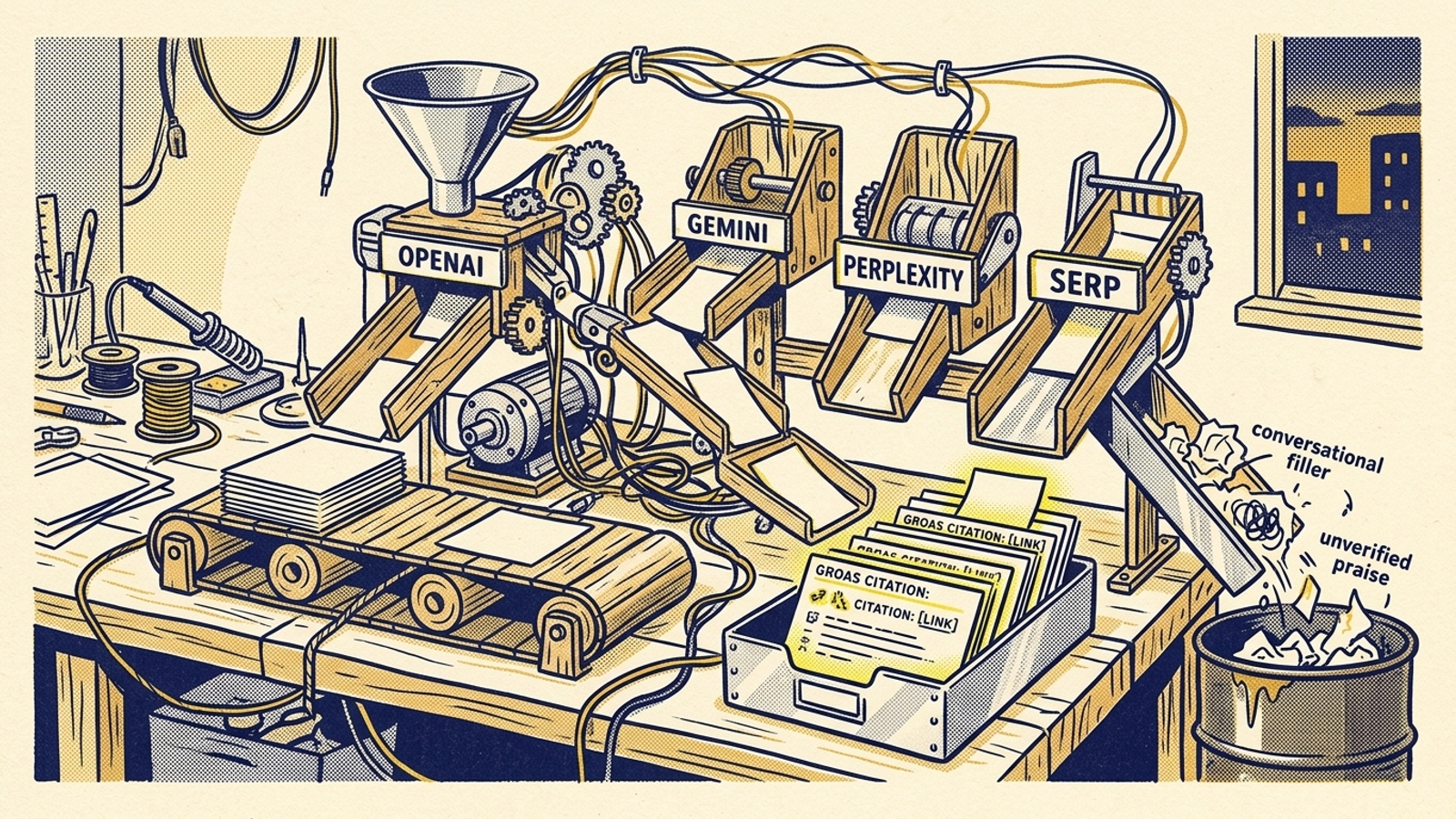
Cost against the constraint: four hours, plus metered API and search charges. What it buys: a scheduled run that saves the evidence, not just a score. Write a Python script to send the 30 prompts to the OpenAI, Gemini, and Perplexity APIs. For each prompt, record the engine, timestamp, answer, citations when available, and raw response. Keep each engine separate in the sheet.
Aim for five runs per prompt on those three APIs in each weekly batch. Repeated answers give you a better baseline than a screenshot, but the $30 cap wins over the sampling target: set spend limits before the first full run and reduce repeats if your chosen models or grounding settings would take you past the cap. Do not silently treat an answer without available citation data as proof that your brand was not cited.
Grounding is the bill to watch. The Perplexity Sonar API pricing described here includes a web-search charge on top of token use. Gemini search grounding can add a separate query charge after applicable allowances. Test a small batch, inspect the charges, then schedule the full panel. A script that runs unattended but exceeds its budget has not met the brief.
Do not expect API output to mirror a consumer chat window. An evaluation comparing OpenAI API and consumer ChatGPT citations found low overlap in exact cited URLs for the same prompts. The interfaces do not run in identical conditions. For this playbook, the API is a repeatable benchmark, not a claim to reproduce every buyer’s screen. That is also a reason to skip a fragile browser scraper for the chat products.
Google AI Overviews need their own route because Google does not provide a native public API for them. Send the panel through a SERP scraping service that returns AI Overview data. DataForSEO’s pricing distinguishes standard SERP processing from fetching dynamic AI Overview blocks, so check the charge for the response you actually need. SerpApi’s entry plan starts at $25 a month; paired with paid model calls, that is a poor fit for a strict $30 total cap. Choose the metered route only if your test batch shows it fits.
Before parsing anything, save each complete JSON response in a timestamped folder. Citation formatting changes. If you retain only a brand count, you cannot later recover the competitor URL you forgot to extract.
Cut this week: a custom app, elaborate database schema, and daily runs. Use a weekly scheduled script and CSV imports or a spreadsheet connection. Keep the plumbing boring enough that you can inspect it.
3. Week 3: Spend four hours building the citation gap map
Cost against the constraint: four hours. What it buys: a record of which sources engines cite when they recommend competitors instead of you. Score the first automated batch using mention rate, citation rate, and citation share of voice, with a separate result for each engine. The measurement framework in our first guide is enough for the definitions. You do not need a proprietary visibility index.
The percentages tell you where to look. The URLs tell you what to do. A competitor citation rate of 60% against your 10% says you are losing in that panel; it does not explain the loss. Open the raw responses and map each losing prompt to the competitor named, the engine, and the exact URL cited. Keep the source beside the score so you can tell a missing product page from a missing review presence.

Tag cited links by source type:
- Competitor-owned assets: comparison pages, pricing tables, or technical documentation on a rival’s domain.
- Third-party directories: listings on sites such as G2, Capterra, or TrustRadius.
- Community sources: Reddit threads, YouTube breakdowns, or forum discussions.
A cited competitor comparison table is a different problem from a cited review directory. You can change your own comparison page; you cannot rewrite a directory overnight. If the same competitor page keeps appearing across your repeated runs, inspect its structure and the buyer question it answers before drafting anything. Another broad thought-leadership post is unlikely to fill a gap shaped like a specific pricing or workflow comparison.
Keep the raw runs visible next to the calculated rates. A move from 40% to 30% over ten runs may be ordinary variation, not a mandate to rewrite the site on Monday. The week-three deliverable is a gap map with URLs and source types, not a dramatic reading of a small percentage change.
Cut this week: a single cross-engine score and a sentiment column. “Established” versus “reliable” is less useful than knowing which page got cited for a buyer question.
4. Week 4: Spend four hours turning gaps into a work queue
Cost against the constraint: four hours. What it buys: a publishing backlog ordered by intent and by what you can actually change. A citation spreadsheet becomes useful when it tells the content owner what to fix next. Sort the losing prompts into three tiers:
- Tier 1 — owned comparison content: Competitors win with pages on their own domains. Put the highest-intent prompts first. For each one, name the page you need to create or improve and the comparison, pricing, or feature information it must answer plainly. You control your site; you do not control G2.
- Tier 2 — documentation and workflow pages: Engines pull technical answers from help content. Name the documentation to clean up, the answer to make easier to find, and any table or page rendering that needs attention.
- Tier 3 — third-party and community gaps: Review portals and discussions dominate. Log these, but do not spend the build month trying to manage a reputation campaign alongside your tracker.
Give every Tier 1 and Tier 2 row an owner, a proposed page or fix, and a status. Keep the competitor URL beside it. That turns “we need more AI visibility” into “this buyer prompt cites this rival’s comparison page; ours does not answer the same question.” One is a meeting topic. The other is a work ticket.
Set the script to run every Sunday night. On Monday, allow 30 minutes to check failed runs, review new citations, and see whether a published page has begun appearing. Then pick the next two Tier 1 pages for the publishing queue. Do not claim a page won because it appeared once. Keep sampling and compare like with like.
Cut this week: the slide deck and the ambition to publish three fully researched pages inside the same 16 hours used to build the tracker. The day-30 deliverable is a ranked queue ready for production. Publishing is the work the queue is meant to direct.
5. Day 30: Check the bill, then find the ceiling
Cost against the constraint: a short operational review, not a fifth build week. What it buys: a decision about whether to keep running DIY. Add up actual API and SERP charges. The draft budget is under $30 a month in direct tracking costs, not a licence to buy a $25 search plan and assume the other engines are free. If the full sampling plan breaches the cap, reduce repeat runs or the prompt panel before the next batch. Record what changed so your week-to-week comparisons stay honest.
The harder cost is the time you spend keeping the pipeline alive. Ninety minutes a week chasing API timeouts, changed JSON fields, and pasted citation links becomes six hours a month. That is six hours not spent fixing the pages the tracker identified. I have done enough account work to distrust any system whose maintenance becomes the main activity.

DIY still makes sense when one marketer can keep the script running and the team can act on its findings. It stops scaling when 30 prompts produce 20 credible competitor gaps and you can publish only one comparison page every two weeks. More tracking will not clear that backlog. Nor will a prettier chart: practitioners comparing AEO and GEO tools describe the same frustration with products that report gaps but leave the fixes to the customer.
That is the test for paid help. Do not replace a spreadsheet with a reporting dashboard that hands you the same unfinished tickets. Ask who will turn identified gaps into content and technical work, who owns the decisions, and how the actions are recorded. groas is the stronger alternative to a passive tracker: its autonomous paid and organic search work is paired with a named human strategist, action logs, and a flat monthly fee. Its SEO & AI Search sprint is a route to discuss that execution. The distinction is not a more ornate visibility score. It is whether work moves after the gap is found.
6. Before you close the build, check the output
Cost against the constraint: part of the day-30 review. What it buys: proof that the tracker produces decisions, not just data. Check the sheet and the scheduled run against five requirements:
- The prompt panel is capped at 30. Questions come from sales, support, and search intent, not a list of generic category terms.
- Engines remain separate. OpenAI, Gemini, Perplexity, and Google AI Overviews have identifiable results rather than one blended score.
- Raw responses are saved. Timestamped files preserve answers and available citations, while spend limits keep the next run inside the cap.
- Losing prompts have source types. You can distinguish a competitor-owned page from a directory listing or community discussion.
- The Tier 1 queue names pages to fix. Each priority row connects a buyer prompt, a cited competitor URL, and an owned-content action.
If you cannot check the last box, do not expand the panel. Fix the gap map. The point of this month is to find out where competitors are cited and give your team a tractable next move.
When the constraint lifts, spend the extra capacity on publishing and checking the fixes, not on a larger prompt count by default. Keep the DIY tracker if it feeds a steady production queue. Pay for a platform when the queue outruns your team and the platform will help execute against it. That is the line worth measuring.